Thai SIM Card Not in Your Name? Why Your Bank App Gets Suspended
Frozen bank accounts Mike Boldyrev5 min read

Your Thai banking app suddenly stopped working, and the screen says the phone number does not match the account holder? Or a friend bought you a SIM card “on his ID” when you arrived? Since 2025 this is no longer a small detail: Thai banks check that the SIM card linked to mobile banking is registered in your own name.
Below: what the rule is, who it affects, what happens if the names do not match and how to fix it.
In short
- The SIM card linked to your mobile banking must be registered to your passport. This is a government anti-scam measure (Ministry of Digital Economy and Society, NBTC, AMLO, the Bank of Thailand and the banks).
- If the names do not match, mobile banking can be suspended. According to the banks’ notices, it is the app that is suspended, not the account itself.
- The fix: re-register the SIM to your passport at the mobile operator (AIS, True, dtac, NT), get a certificate of number ownership and update your details at the bank branch.
- A changed number, passport or visa should also be updated at the bank, or the account can be limited later.
What the rule says
To fight online fraud and mule accounts, Thai authorities and banks started checking that the owner of the SIM card matches the owner of the mobile banking account. According to Bangkok Bank, the check first covered customers who opened accounts and registered for mobile banking from 1 January 2022; they were asked to update their SIM registration with their operator by 30 April 2025, otherwise mobile banking could be temporarily suspended. Other banks, including SCB and ttb, published similar instructions.
For foreigners the typical problem is simple: the SIM was bought by a Thai friend, an agent, a landlord or an employer and is registered to their ID card, not to your passport.
How to know if this is your problem
- The banking app shows a message about a SIM card or phone number mismatch and blocks transfers.
- You received a push notification or SMS from the bank asking you to update your SIM registration.
- You do not remember who registered your SIM, or it was bought without your passport.
Careful: scammers also send SMS messages about “blocked accounts” with links. A real bank does not ask you to log in through a link. Check only in the official app, by the bank’s official phone number or at a branch.
How to fix it: step by step
- Go to your mobile operator’s shop (AIS, True, dtac or NT) with your passport. Re-register the number to your name, or get a new SIM in your name.
- Ask for a certificate of mobile number ownership. Banks ask for it.
- Go to a branch of your bank with your passport, the bank book (passbook) and the certificate, and ask to update the number and lift the mobile banking suspension.
- Check the app the same day or the next day. If it is still blocked, go back to the branch with the date and the name of the officer who served you.
Banks allow some exceptions, for example a number registered to a close family member (with proof of relationship) or to your employer company (with a letter from the company). The rules differ from bank to bank, so ask your branch which documents it accepts.
Common mistakes
- Using a SIM card registered to a friend, agent or landlord for banking
- Changing your phone number and not telling the bank
- Renewing your passport or visa and not updating it at the bank
- Clicking a link in an SMS about a “blocked account”
- Going to the operator and the bank without a passport or without the ownership certificate
How we can help
In most cases you can fix this yourself, with the steps above. If the branch speaks only Thai, refuses to update your details or the app stays blocked, our team can go with you to the operator and the bank, explain the situation in Thai and help with the documents. If the account itself turns out to be restricted, we find out why and what the next step is.
- Interpreter at the bank or operator: half day (up to 4 hours) 6,490 THB, full day 11,900 THB
- Account restricted or frozen: see Unblock a Thai bank account
All prices include 7% VAT. All prices
Questions we often hear
Will my account be frozen if the SIM is not in my name?
The banks’ notices speak about suspending mobile banking, not freezing the account. Still, update your details now, before other issues appear.
Can a foreigner register a Thai SIM card to a passport?
Yes. Thai operators register SIM cards to foreigners by passport at their shops and at many official counters.
I changed my phone number. What should I do?
Register the new SIM to your passport and update the number at a bank branch. Until then, OTP codes go to the old number.
I got an SMS saying my account is blocked. Is it real?
Do not click any link. Open the official app or call the bank’s official number from its website. Scam SMS messages about blocked accounts are common.
Do I also need to update my passport and visa at the bank?
Yes. If your passport, visa or work permit has expired in the bank’s system, the account can be limited. Bring the new documents to the branch.
Can you fix it for me without my visit?
No. Both the operator and the bank need you in person with your passport. We can go with you and do the talking in Thai.
Official sources
- Bangkok Bank: SIM card name mismatch
- SCB: mobile number check notice
- ttb: SIM name mismatch notice (in Thai)
This article is general information, not legal advice. Bank and operator rules may change; check the current requirements at your branch.
Banking app blocked because of your SIM?
Tell us which bank it is and what the app or the branch said. We usually reply the same business day.
Similar posts
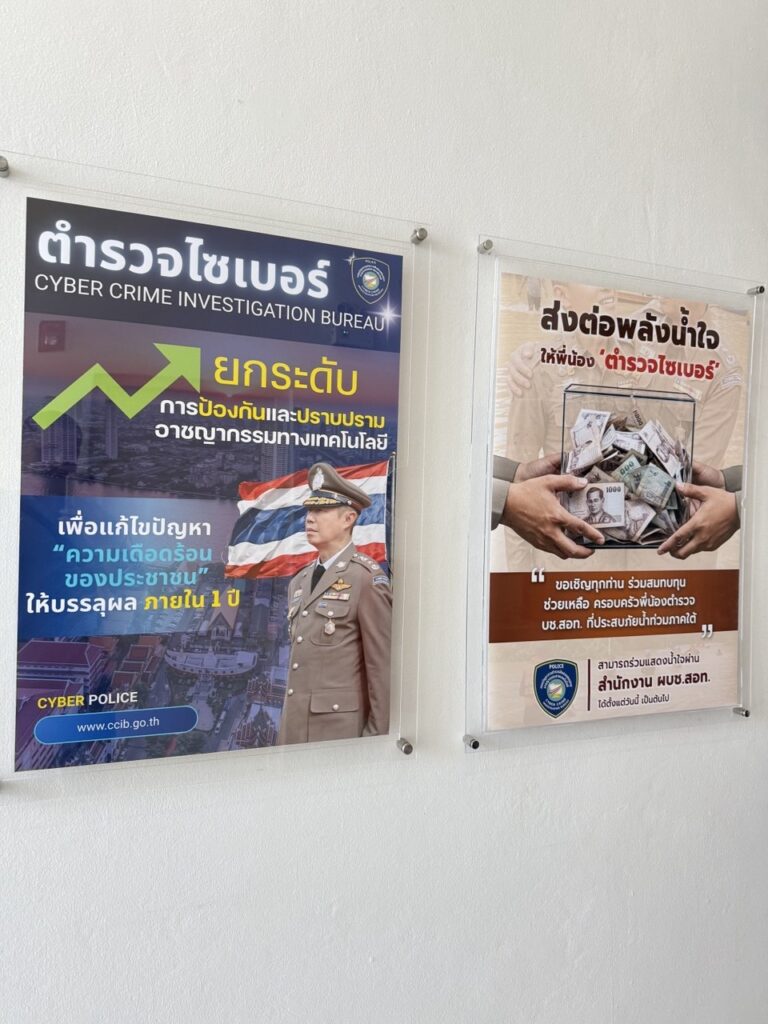 Frozen bank accountsThe Bank Says Call 1441, 1441 Says Call the Bank: How to Get Out of the Loop13.11.2026
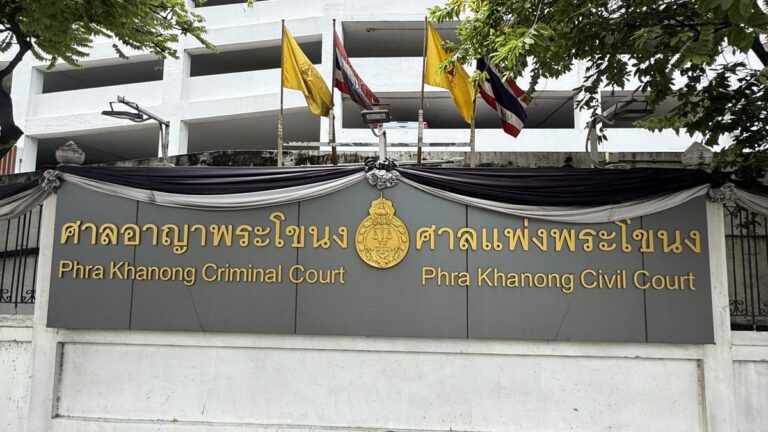 Crypto & P2PCashed Out Crypto for Friends in Thailand — and Ended Up in Custody13.11.2026
 Police & cyber policePolice Hold on a Thai Bank Account: How the Release Letter Works, Step by Step08.10.2026

Need help with a bank, visa or business issue?
Tell us what happened, which bank or office is involved and what you need. After a first check, we confirm the scope, the fee and the expected timeline in writing before you pay.
Start your case ↗